
Bring your customers back
A points and rewards program for your Salla store: customers earn points on every order and redeem them for rewards from a widget inside your store.
After installing, we email you a sign-in link. No password needed.
Features
Points on every order
Added automatically when an order completes, and taken back if it's cancelled or refunded.
Many ways to earn
Points for joining, reviewing products, on the customer's birthday, and for inviting a friend.
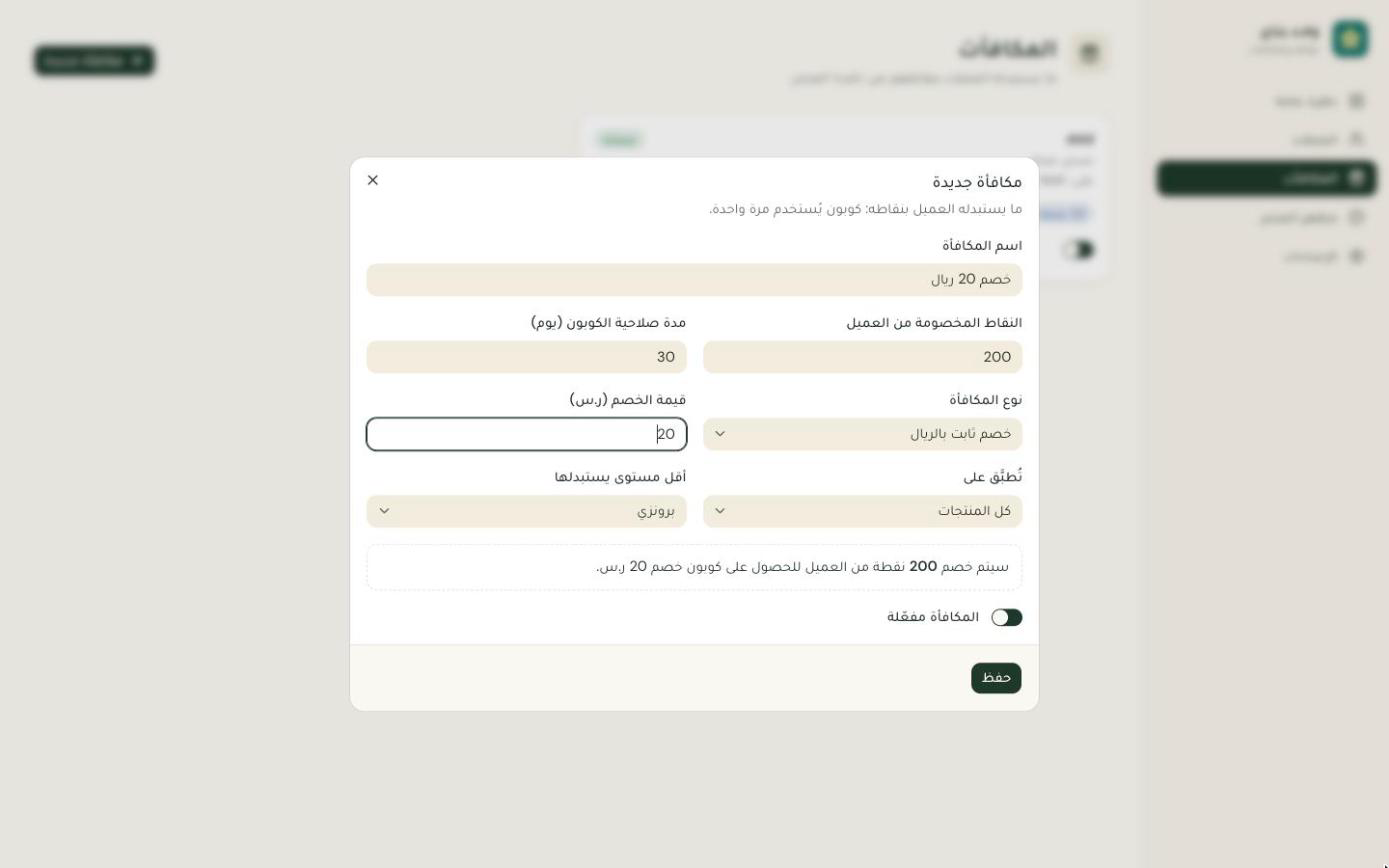
Rewards become coupons
A fixed or percentage discount, free shipping, or a gift product. The coupon is created in Salla the moment it's redeemed.
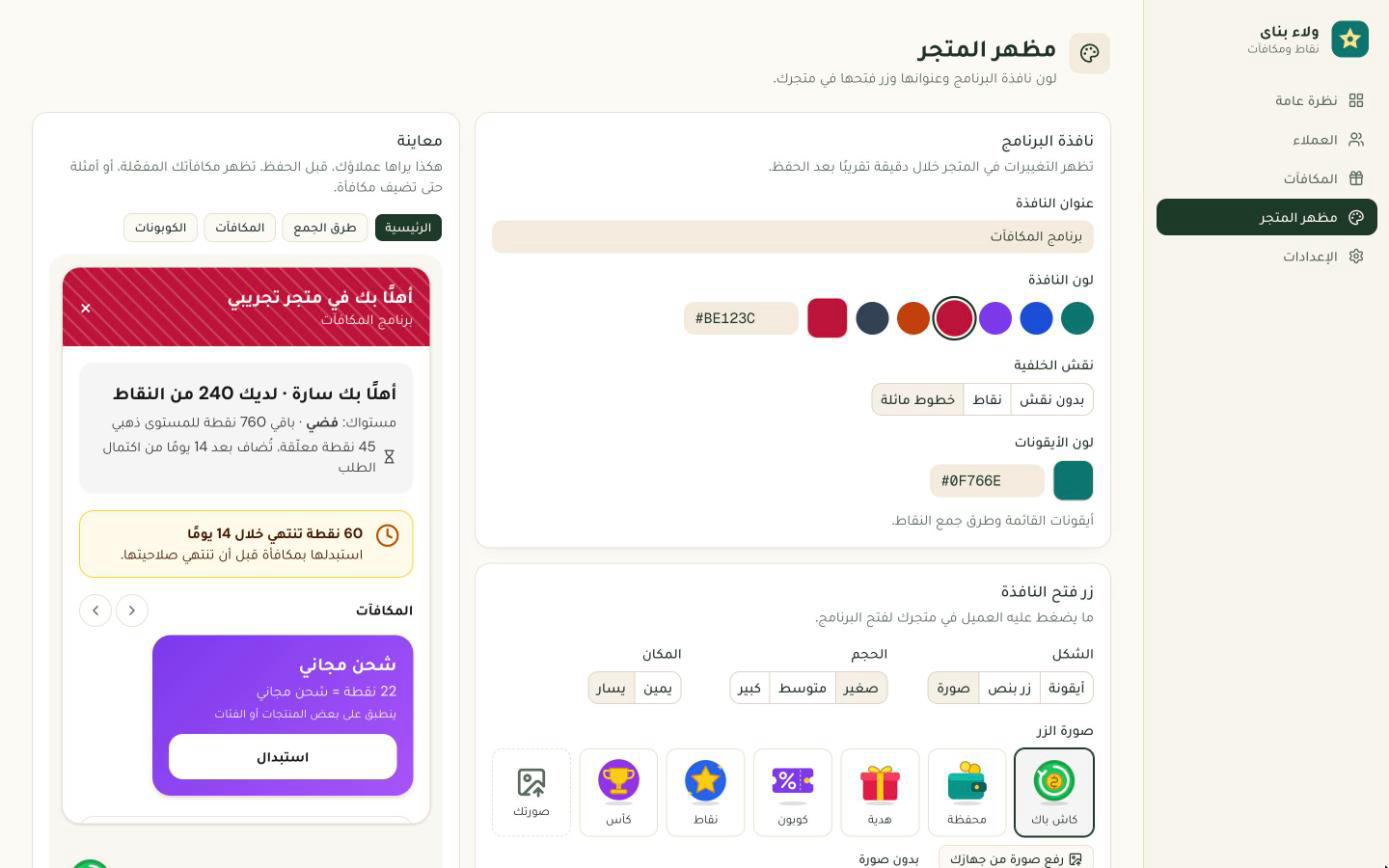
A loyalty widget in your store
A floating button shows customers their balance and rewards, and product pages show the points they'll earn — in your store's colors.
Tiers and expiry
Tiers that reward your most loyal customers with a points multiplier, and an expiry period you choose.
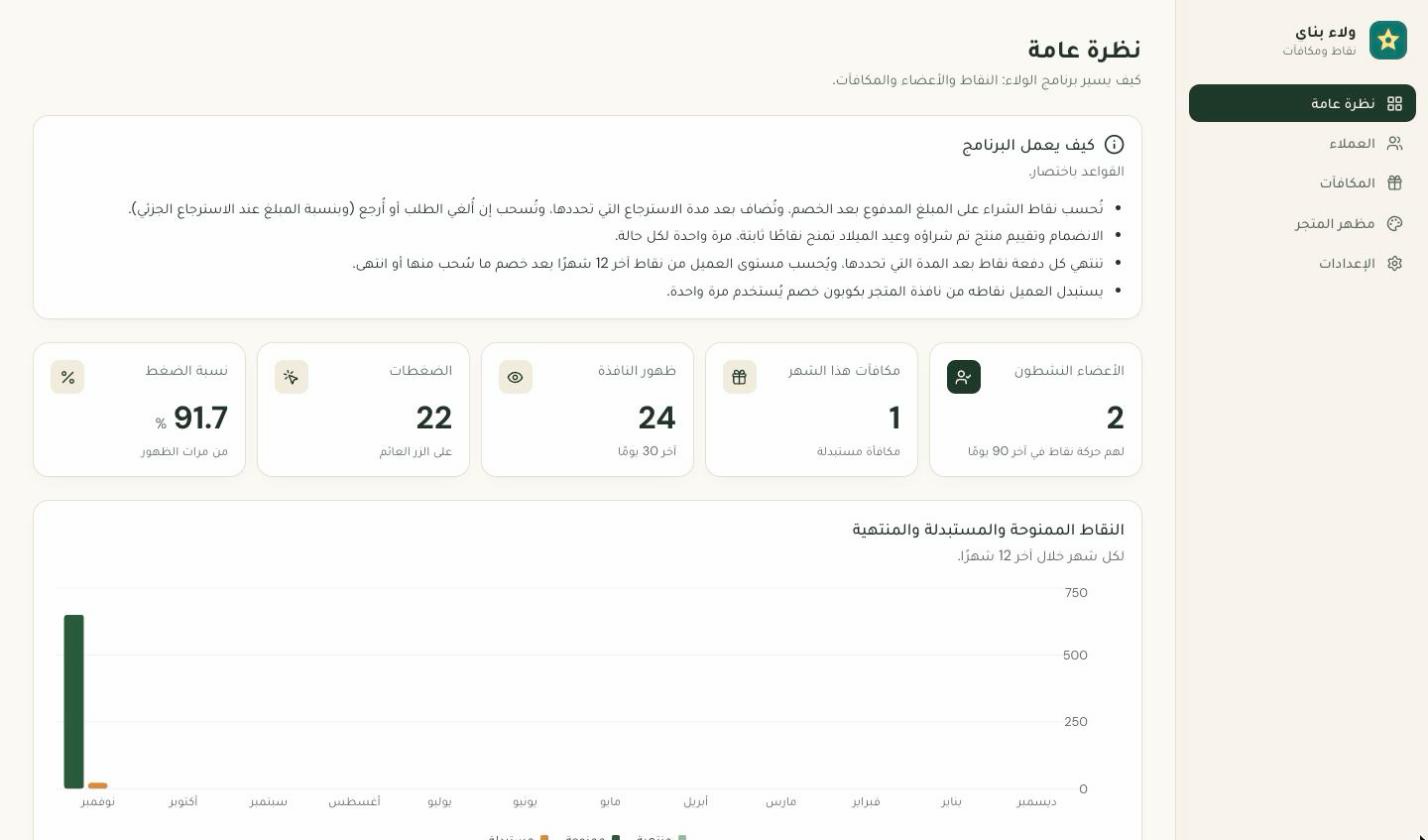
See what it's doing
Active members, rewards redeemed, and how often the widget gets clicked.
How it works
- 01
Install from Salla
One click, and we email you a sign-in link.
- 02
Set your rules and rewards
Points per riyal, and the rewards customers can redeem.
- 03
The widget appears in your store
Customers start earning from their first order.
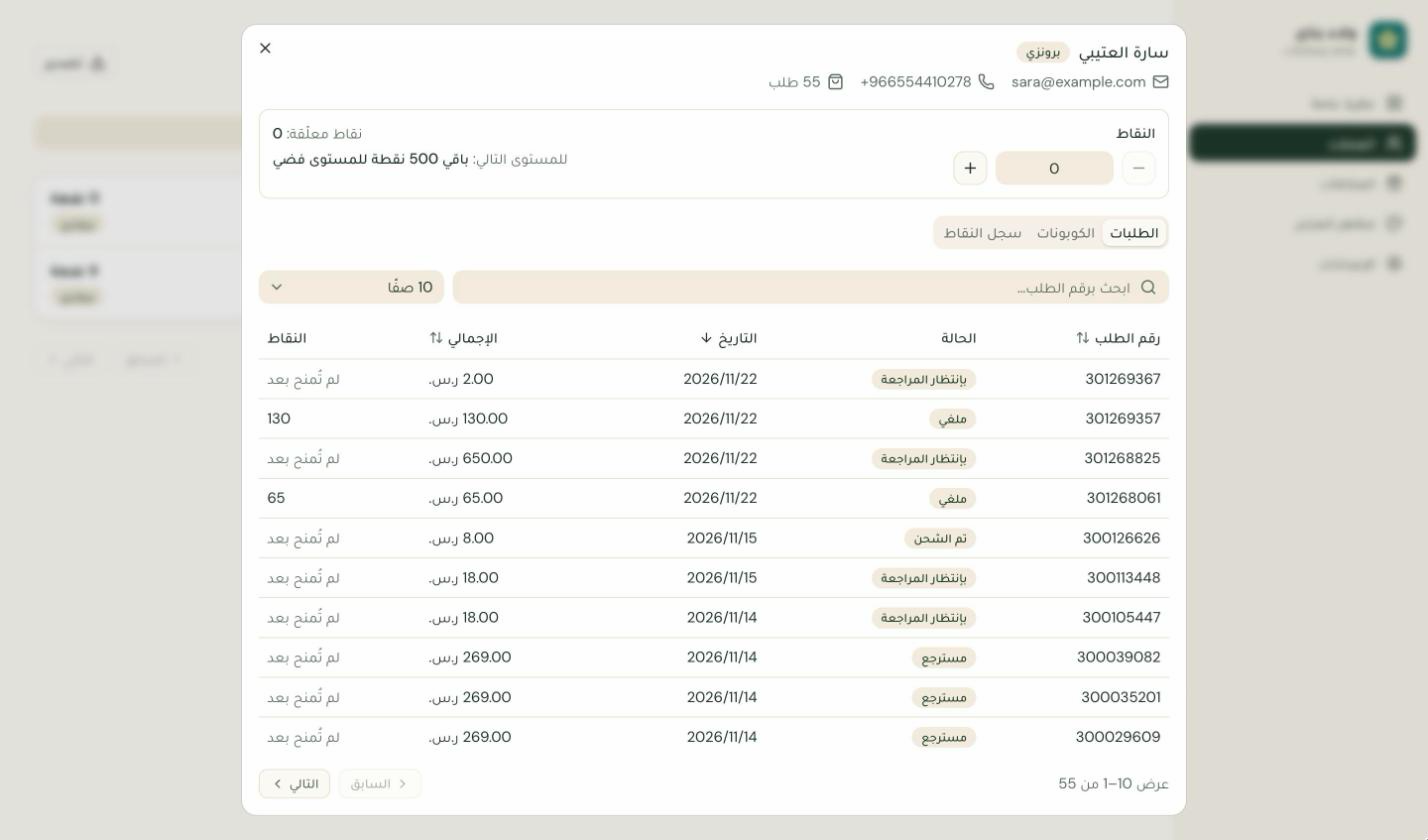
Inside the app
Pricing
Free
- ✓ Every way to earn points
- ✓ Unlimited rewards
- ✓ The loyalty widget in your store
- ✓ Tiers and program reports
FAQ
Does the app change anything in my store?
It adds the loyalty widget, and creates a coupon only when a customer redeems points for a reward.
What happens to points if an order is cancelled?
The order's points are taken back automatically on cancel or refund, and return if it completes again.
Who earns points?
Your store's registered customers. You can enroll them automatically on first sign-in or with their first completed order.
How much does it cost?
It's free.
Permissions the app asks for
-
orders.read— Read orders to award points, and take them back on cancel or refund -
customers.read— Read customers to show their balance and tier, and give birthday points -
marketing.read_write— Create a coupon when a customer redeems points for a reward -
products.read— Pick products for rewards and gifts -
categories.read— Limit a reward to certain categories -
reviews.read— Give points when a customer reviews a product